
This article covers the specs and templates you need to design social post graphics for InGo, including image sizes, and file limits. It's a design guide for whoever is creating the artwork.
Quick reference: social post images
Image dimensions
All images: 1 MB maximum.
| Shape | Dimensions | Best for |
|---|---|---|
| Wide | 1200 × 628 px | LinkedIn, Facebook, X |
| Square | 1080 × 1080 px | Instagram, LinkedIn, Facebook, X |
| Portrait | 1080 × 1350 px | Instagram, LinkedIn, Facebook, X |
| Story | 1080 × 1920 px |
Image types
| Layout type | Accepted formats |
|---|---|
| Standard | JPG, PNG, GIF |
| Personalized | JPG, PNG |
Video
| Shape | Dimensions | Limit | Formats | Best for |
|---|---|---|---|---|
| Wide | Flexible | 300 MB or 10 minutes | MP4, MKV, WebM, MOV | LinkedIn, Facebook |
Download Posting Graphic Templates
Design guidance
- Plan for at least 2 post options per participant group: one personalized and one non-personalized, so people can choose whether to share their profile photo.
- Up to 4 post options can be active per group at any given time.
- GIF is only supported on Standard layouts. Personalized layouts, including Advanced VIPShare, accept JPG and PNG only.
Example graphics by participant group
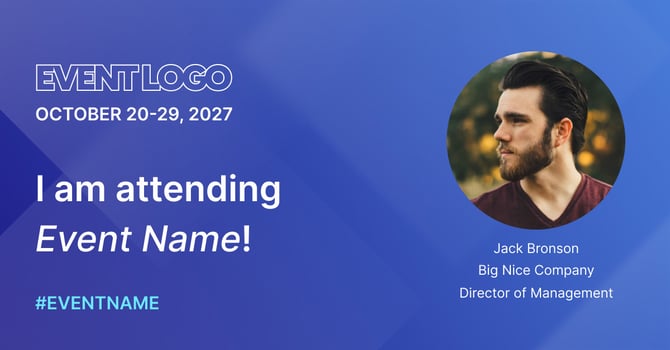
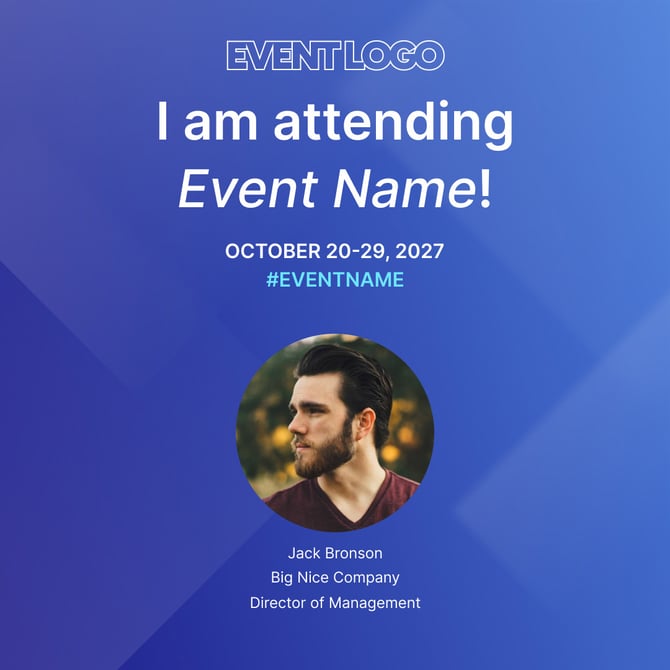
General Attendees, "I am attending!"
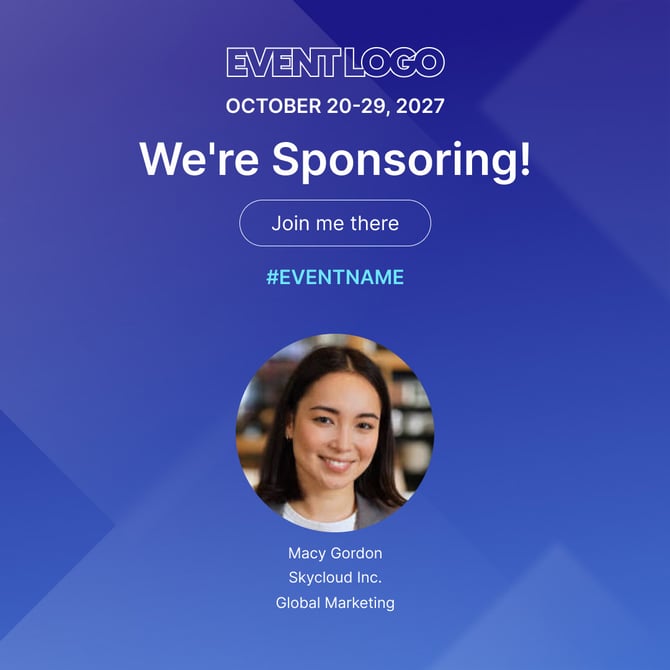
Sponsors, "We're Sponsoring!"

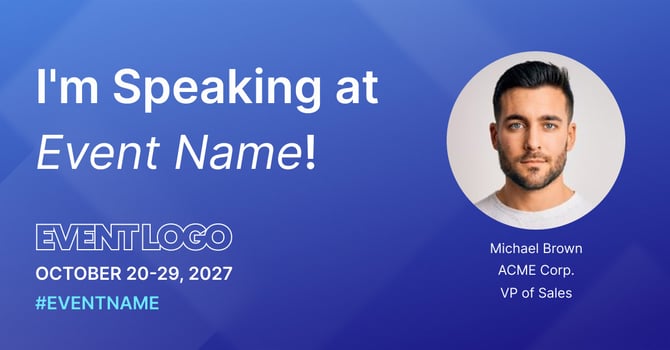
Speakers, "I'm Speaking at!"
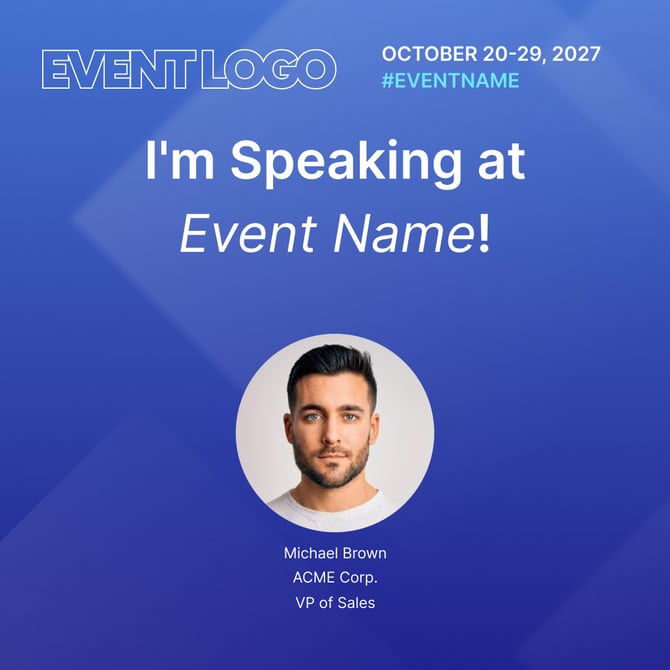
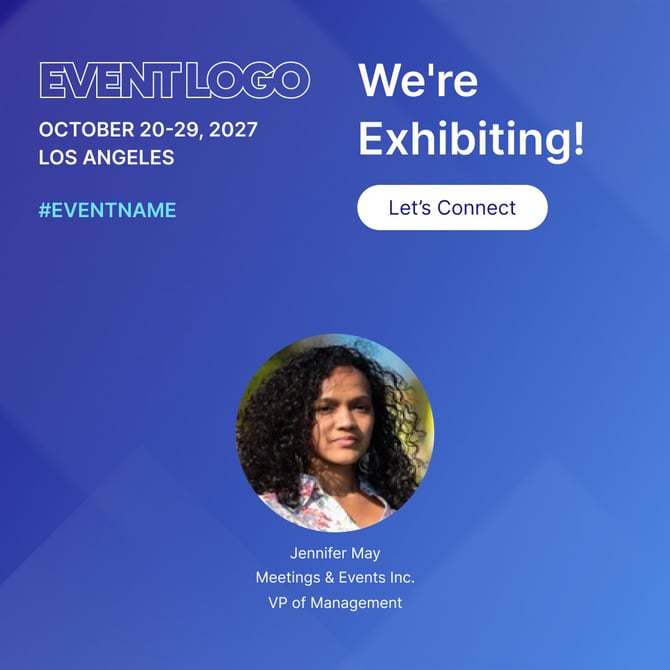
Exhibitors, "We're Exhibiting!"

Staff, "Join us!"
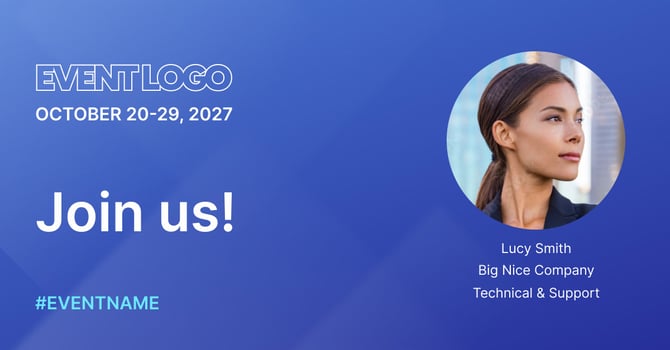
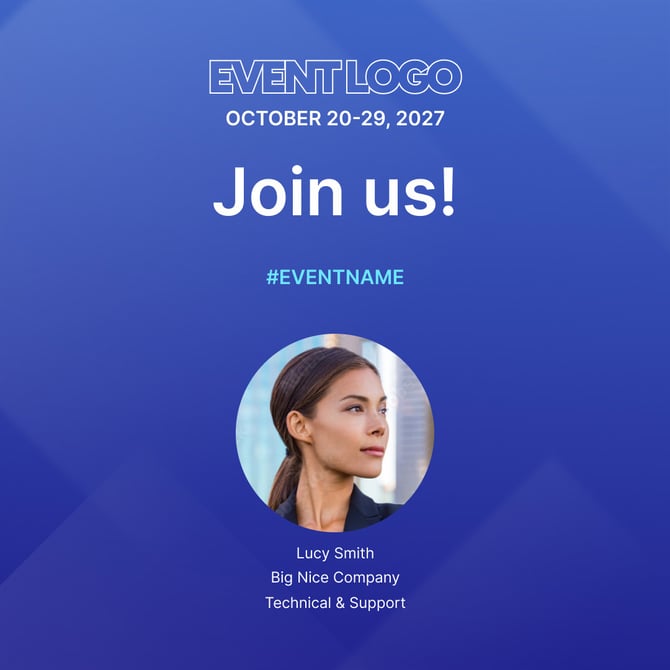
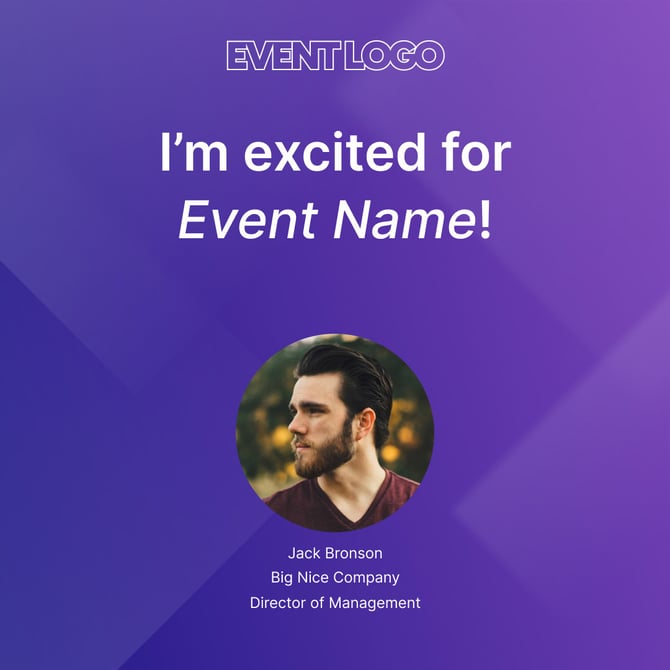
Other: general excitement, awards, media, advisory board, and similar angles.

What's next
Once your graphics are ready, see How to Add, Upload, and Configure a Social Post Graphic (Background Image) for adding them in InGo.
FAQs
Can I use a different image size?
Stick to the dimensions above for the best result across platforms. Wide and Square cover most needs; Portrait and Story are available if Instagram is a priority. If your design needs a size outside these options, check with your InGo Account Manager before finalizing the artwork.
Why doesn't my GIF work on the Personalized layout?
GIF support is limited to Standard layouts. If you want to use a GIF, choose a Standard layout and a non-personalized post option.